 Shizue
Your AI sidekick on every page
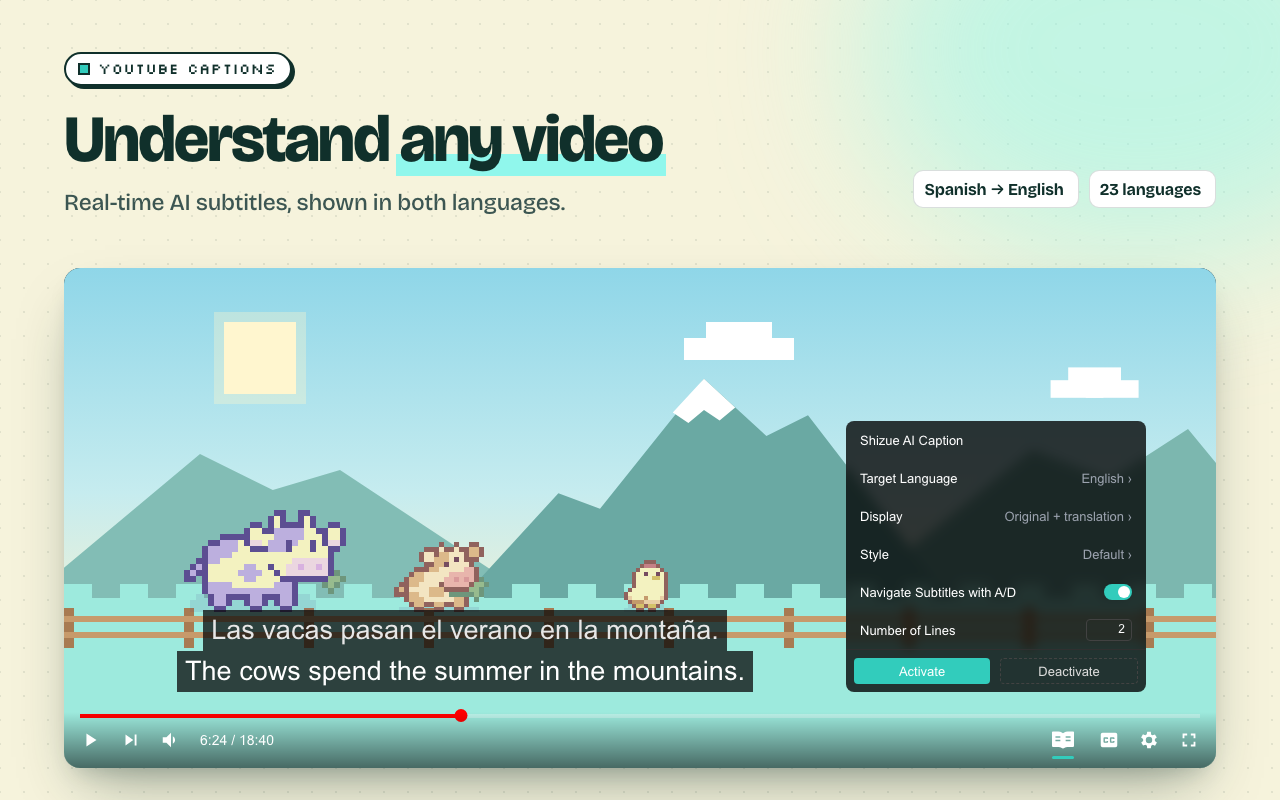
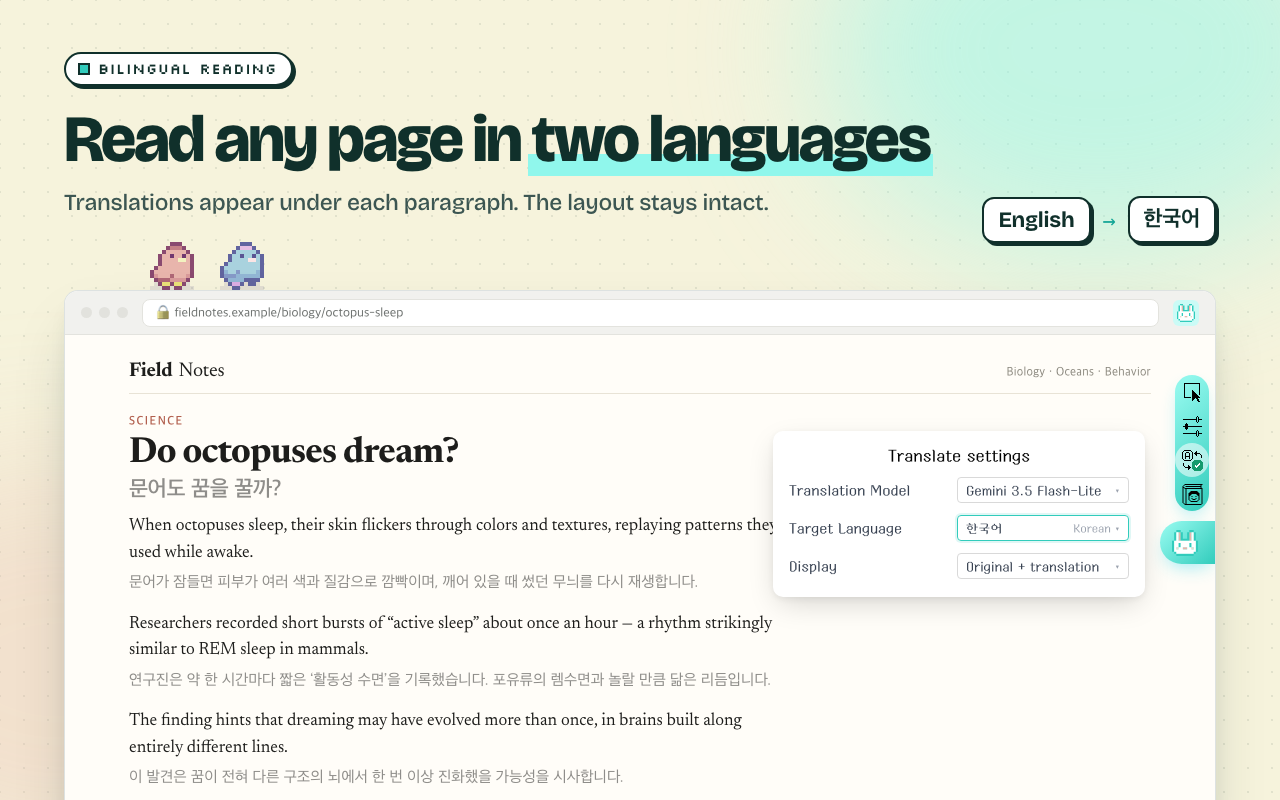
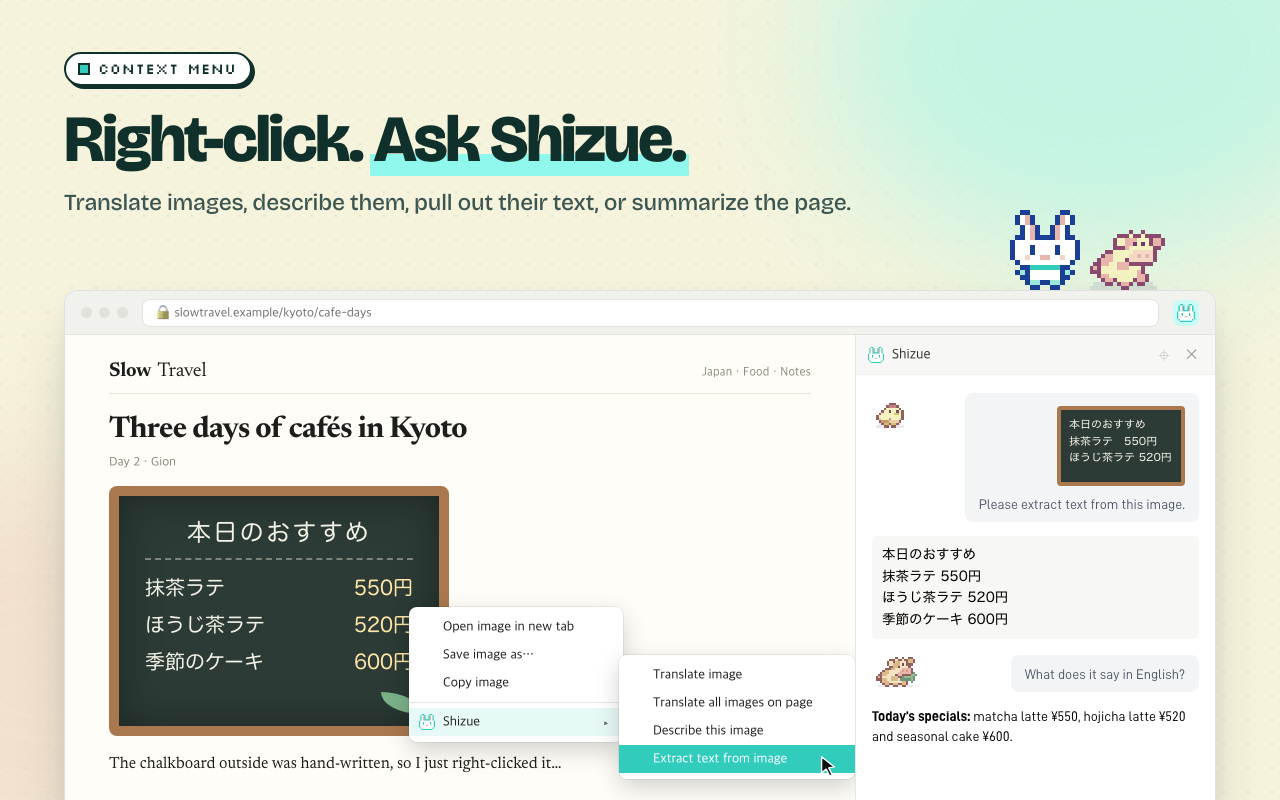
Chat, summarize, and translate pages in a Chrome side panel, and watch YouTube, Twitch, and Netflix with captions in two languages. Sign in with ChatGPT and use the plan you already have, no API key needed. Or bring your own OpenAI, Claude, Gemini, or OpenRouter key.


Free, for good
No paid plan, no Shizue account, no ads. Use your ChatGPT plan, or pay your AI provider only for what you use.
Open source
Every line of the extension is on GitHub under the MIT License.
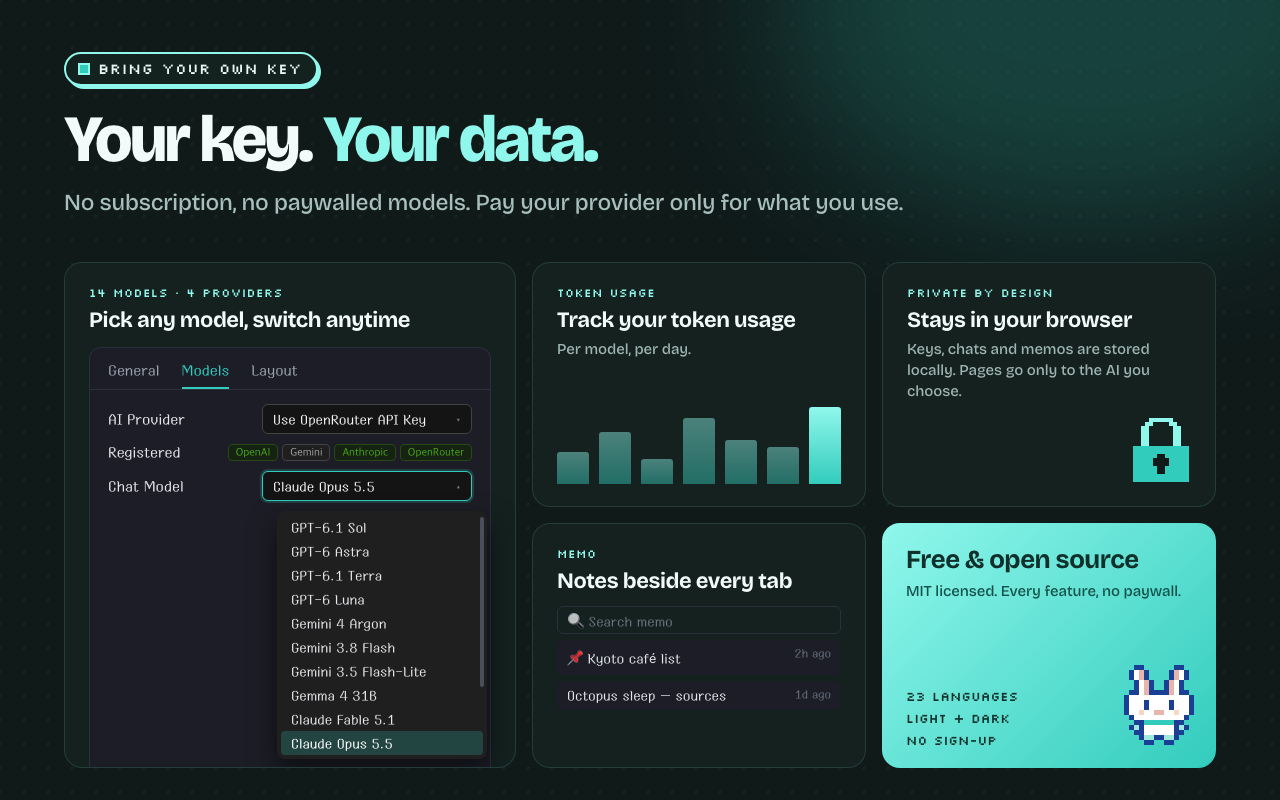
Your key, your data
No Shizue server and no tracking. Sign-in details, keys, and history stay in your browser.
Every major model
GPT, Claude, Gemini, and DeepSeek. One OpenRouter key covers them all.
What it does
Watch in two languages
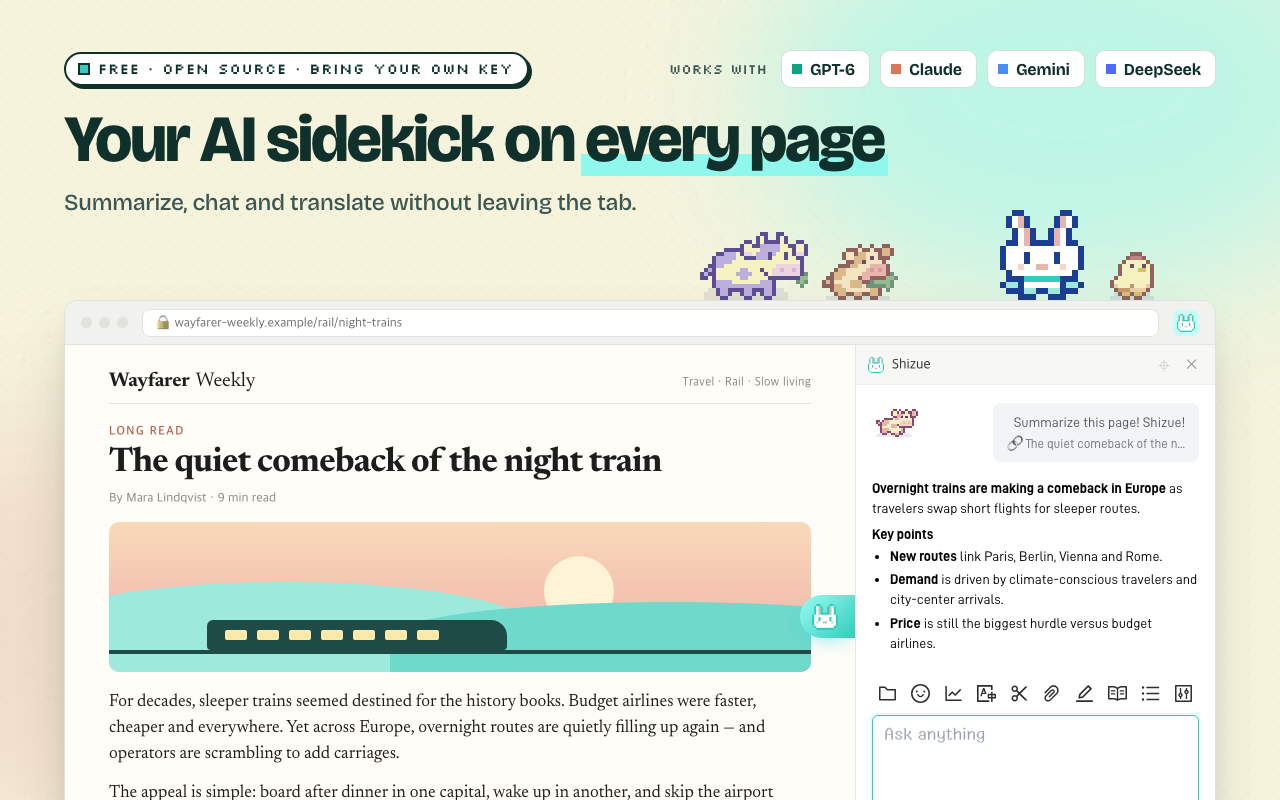
The original line stays on screen, with your language right under it.
YouTube
Your AI model translates the captions as you watch. Press A or D to jump to the previous or next line.
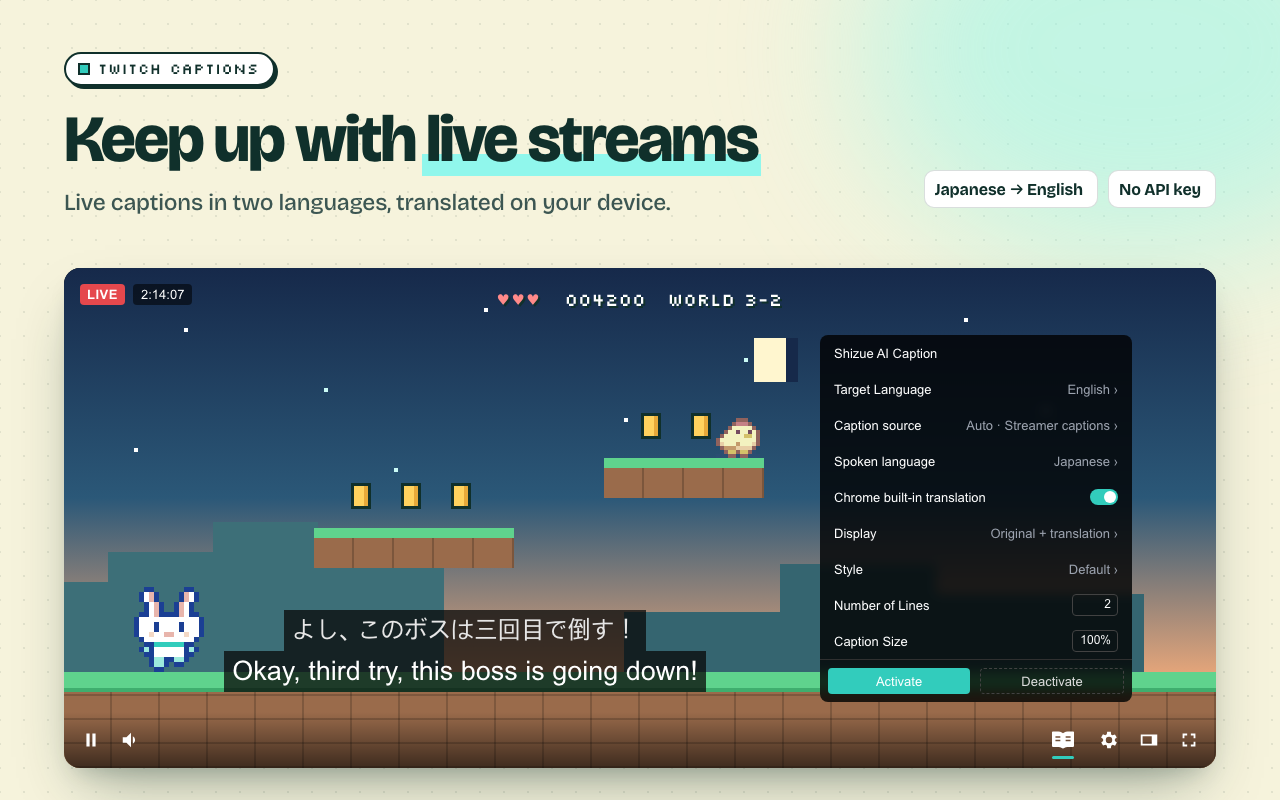
Twitch
Live streams and VODs, from the streamer's captions or speech recognition. Chrome's built-in translator works on your device with no API key, or switch to your AI model.
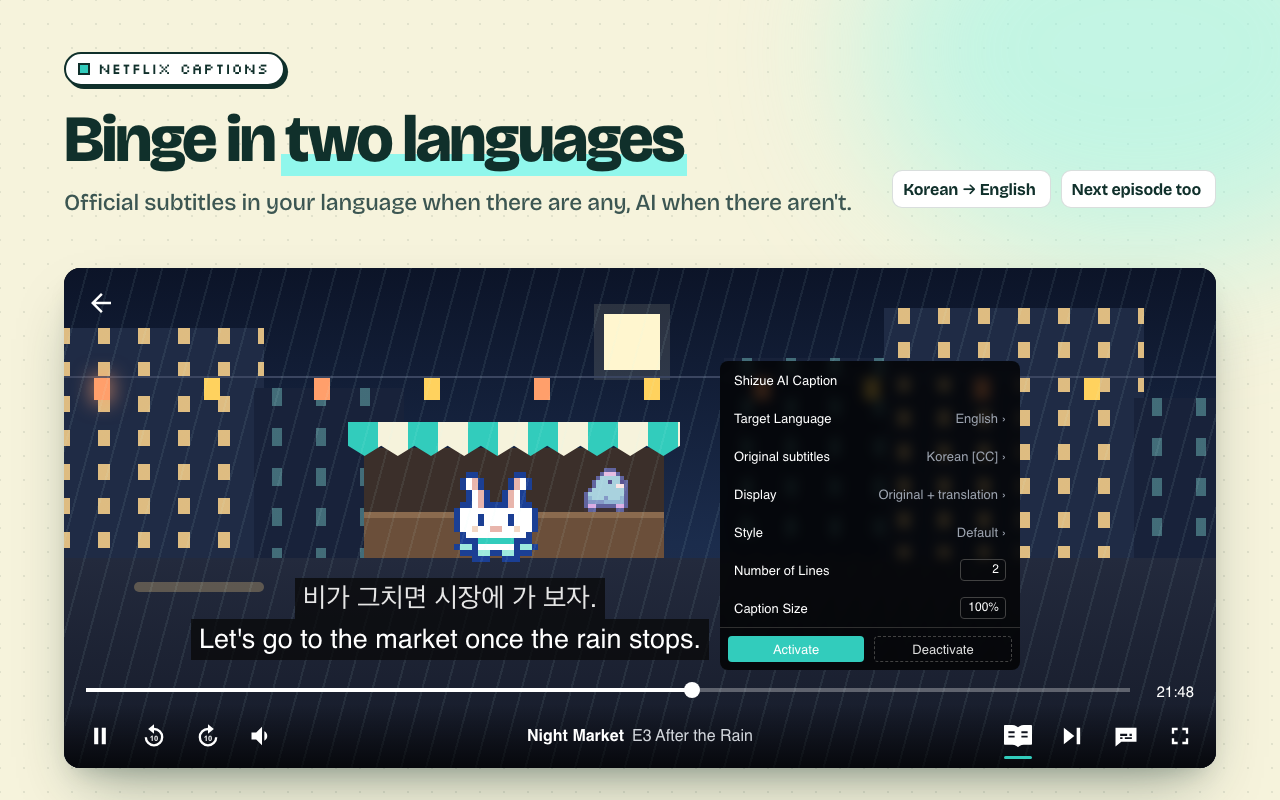
Netflix
Pairs the original with Netflix's own subtitles in your language, with no API key. When a title has none, your AI model translates ahead of playback.
FAQ
Can I use my ChatGPT plan instead of an API key?
Yes. Choose “Sign in with ChatGPT” when you set up Shizue or later in Settings, and Shizue uses the models your plan offers. Requests count toward your plan's usage, which you can check in ChatGPT settings.
Is it really free?
Yes, and it will stay free. Signed in with ChatGPT, your requests count toward your plan's usage. With an API key, you pay your AI provider (or OpenRouter) directly for the calls you make, and the Token Usage chart shows how many tokens each model used.
What leaves my browser?
Only the content a feature needs, such as the page text for a summary, sent straight from your browser to the provider you chose. There is no Shizue server and no analytics. See the privacy policy.
Which key should I get?
The simplest is one OpenRouter key: it unlocks every model in Shizue, including DeepSeek. If you already have an OpenAI, Anthropic, or Gemini key, that works too.
Does it support local models or Firefox?
Local models, yes: in Settings → Models, choose “Use a Local Model” to connect Ollama, LM Studio, or llama.cpp running on your computer, with no API key. Firefox, not yet. Follow the GitHub repository for updates.
Make every page bilingual
Install in a few seconds. No sign-up.